
Dan Mortlock
The Digital Product Launch System
From Idea To Income
A complete beginner’s guide to build, launch and sell your first digital product.
Practical steps. Real strategies. Real results.
Checking availability…
One payment of £47. Lifetime access.
Same Skills. A Brighter Future.
- 01Find Your Idea
- 02Build Your Product
- 03Set Up The Tech
- 04Get Your First Sales
- 05Scale Step By Step
You have watched enough. You still have nothing of your own to sell.
Nothing has gone wrong. You just keep landing back at the same place: plenty of information, no finished thing with your name on it.
One wage, one employer, and no second line of income behind it.
Nothing left at the end of the month, however many hours you put in.
Dozens of saved “make money online” videos and not one of them started.
You do not feel like an expert, so you assume you have nothing worth selling.
Products, checkouts, funnels — nobody explains them without jargon.
Every course hands you theory and leaves the hard part to you.

You know you want to start. You just don’t know what to build.
You don’t need more random ideas or more hours scrolling for answers. You need a clear process that helps you decide what to sell, who it’s for, how to build it and how to get it ready to launch.
One question at a time. Nothing else on the screen.
No wall of text, no modules to wade through. You answer, you tap Next, and the next thing appears.
- One question or choice per screen
- Tap a card or type an answer
- It saves the moment you type
- Next builds on what you said
- Your Launch Pack fills up
Back and Next move you through each phase, and a thin progress bar shows how far in you are. The longer explanations sit behind a “Why this matters” link — there if you want them, out of the way if you don’t. Everything follows you across devices.
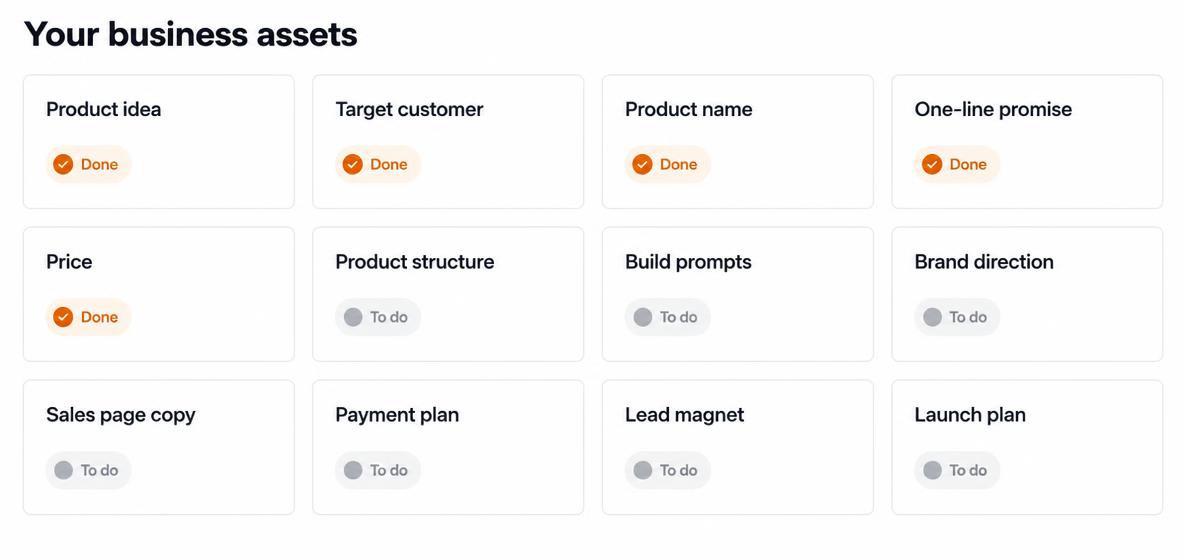
Fourteen finished assets — not fourteen lessons.
Each one is a real thing you own at the end, written from your answers and saved in your account.
A researched product idea
Three realistic ideas built from your own life, then one you choose and can defend.
A defined customer
One recognisable person with one painful problem — not 'anyone who wants more money'.
A name and a one-line promise
The two lines everything else in your business hangs from.
A complete offer and price
What is included, what it costs and why that price makes sense for a first product.
A full product structure
Every section of your product mapped out, smallest useful version first.
Personalised AI build prompts
Written from your answers — one per section, plus a master Lovable prompt.
Brand and visual direction
Colours, tone and feel, so the finished thing looks considered rather than thrown together.
Sales page copy
Your headline, problem, promise, benefits, objections and call to action, written for you to edit.
A payment and delivery plan
How money reaches you and how the customer gets what they bought, in plain words.
A lead magnet and email sequence
Something worth swapping an email address for, then the emails that follow.
A 30-post content engine
Thirty specific posts across five purposes, with hooks, formats and captions.
A reusable hook engine
Openers you can copy, rate and reuse long after the fortnight is over.
A 14-day launch plan
Day by day, built around the hours you actually have.
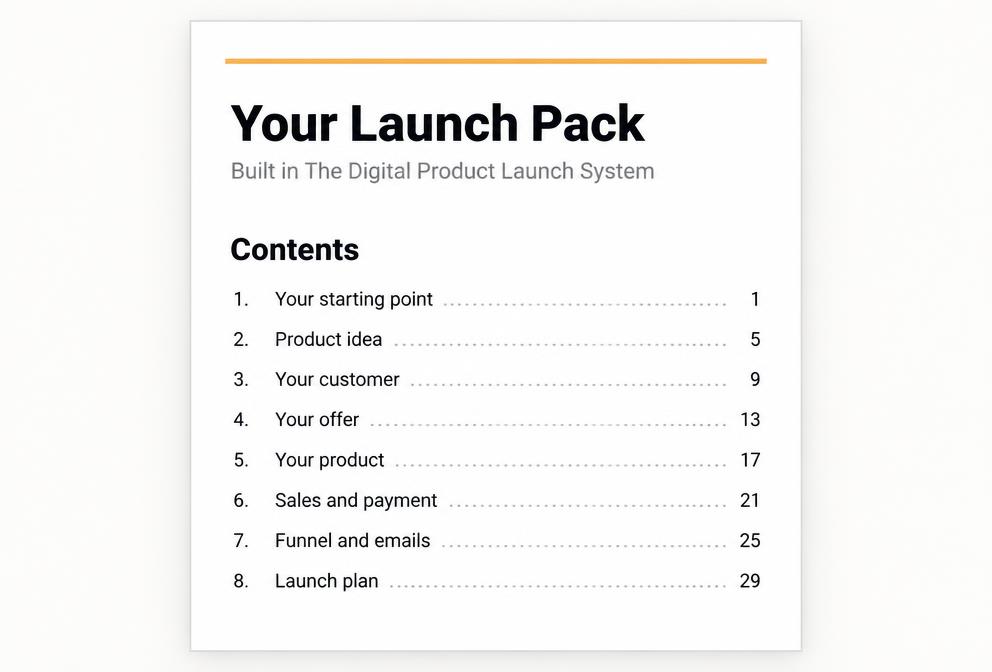
Your Launch Pack
Everything above in one document you can edit, copy, print or download.
The promised outcome is a finished digital product and a sales system that is ready to launch and accept customers. Not guaranteed sales, and not passive income.
Eight chapters of a build, each ending in something real.
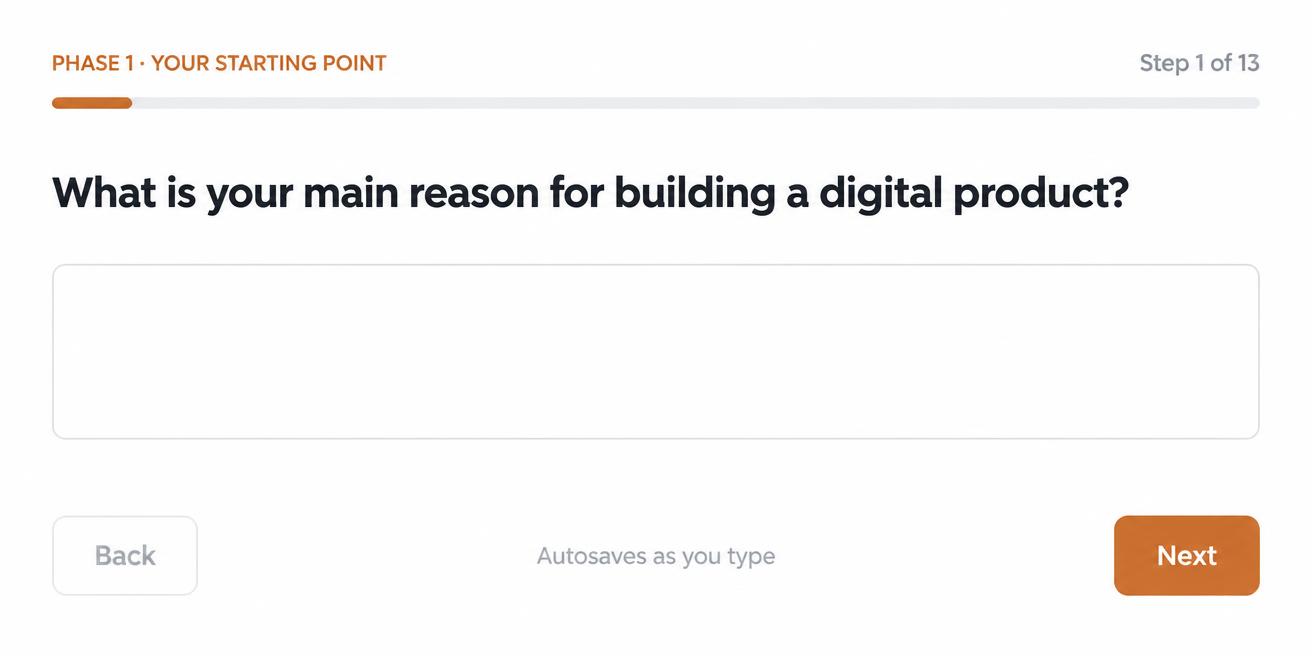
Phase one
Your Starting Point
Before you build anything, we work out what you already have: your time, your experience and the things you have genuinely solved.
You finish with: A Starting Point Summary and a realistic pace for the next fortnight.
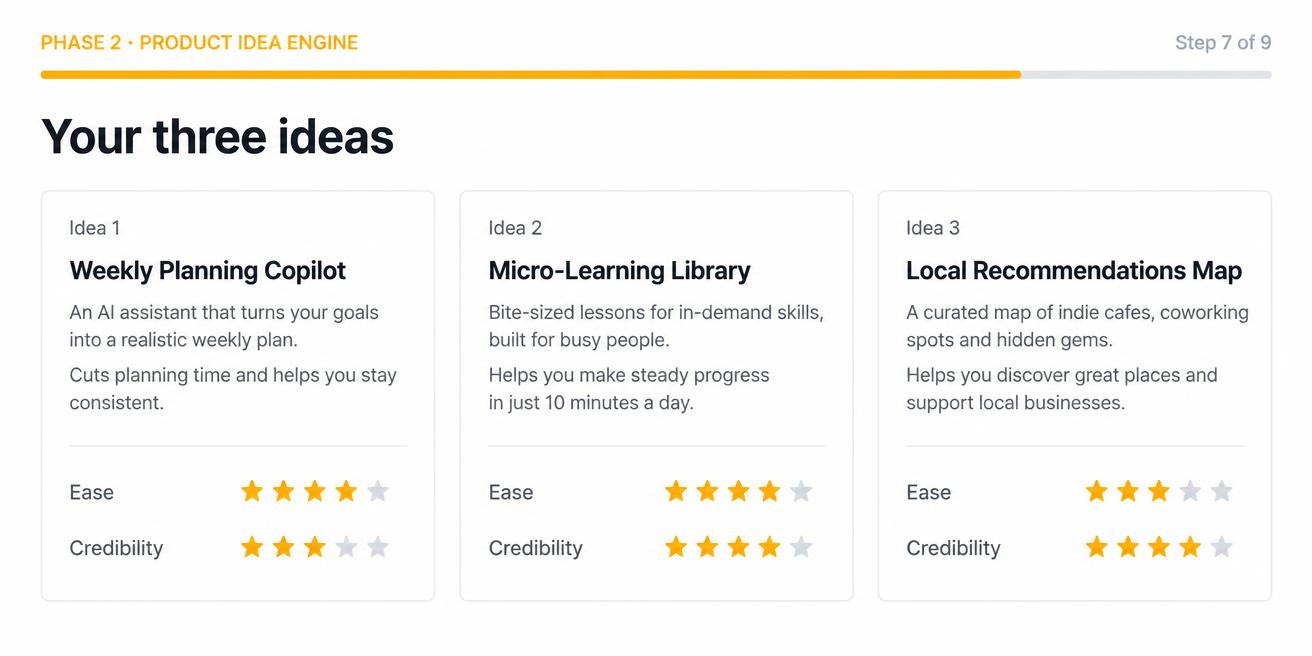
Phase two
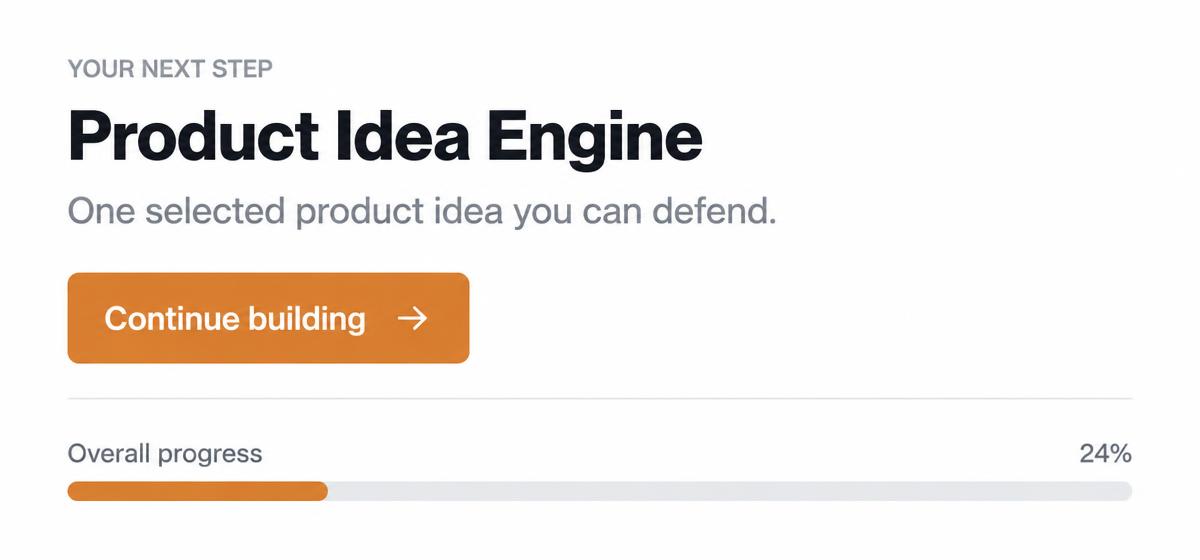
Product Idea Engine
Three realistic product ideas built from your own experience, scored for how easy they are to create and how credible you are selling them.
You finish with: One selected product idea you can defend.
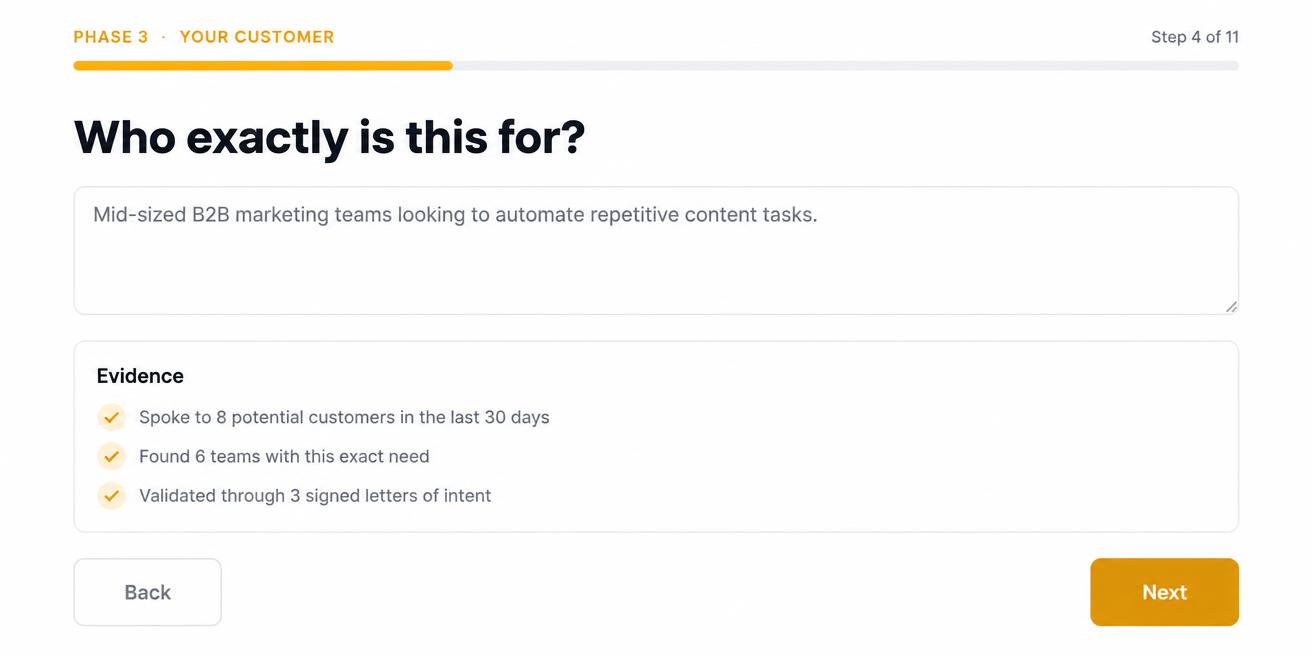
Phase three
Audience, Pain and Validation
Define exactly who you are helping, then gather real evidence that the problem is worth paying to solve.
You finish with: A customer profile and an honest validation score based on your own evidence.
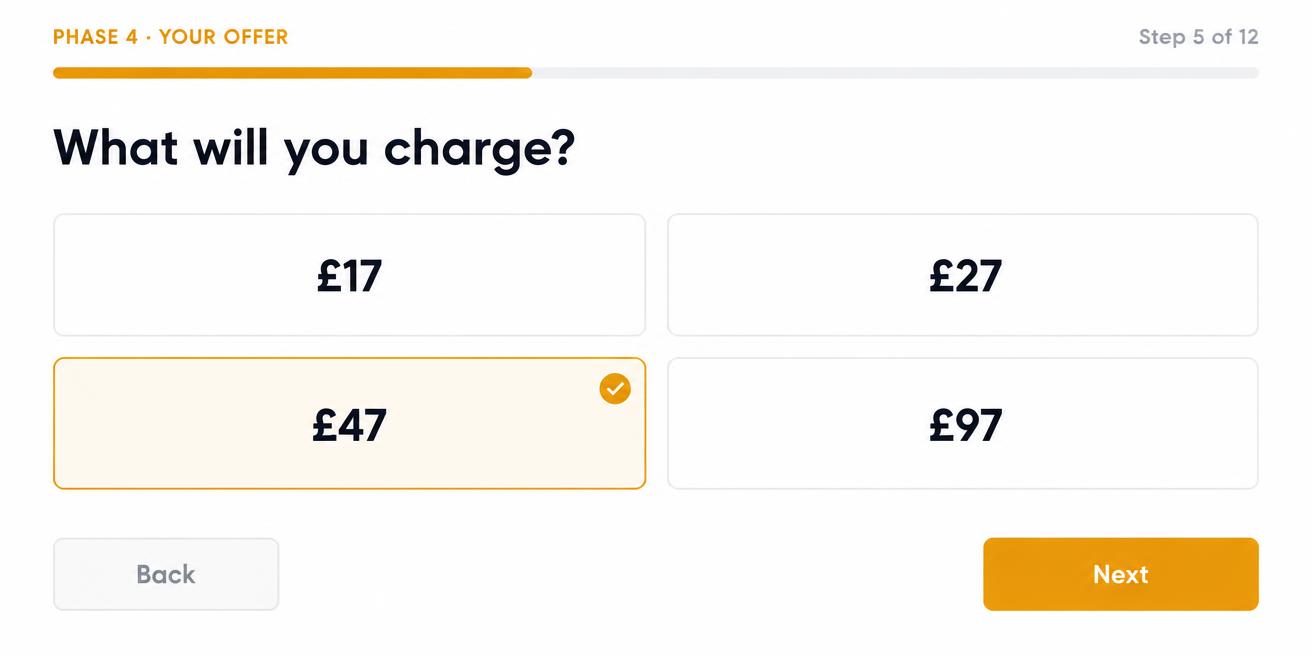
Phase four
Offer Builder
Turn the idea into an offer: a name, a one-sentence promise, what is included, what it costs and what it honestly does not do.
You finish with: A complete, priced offer you can put on a sales page.
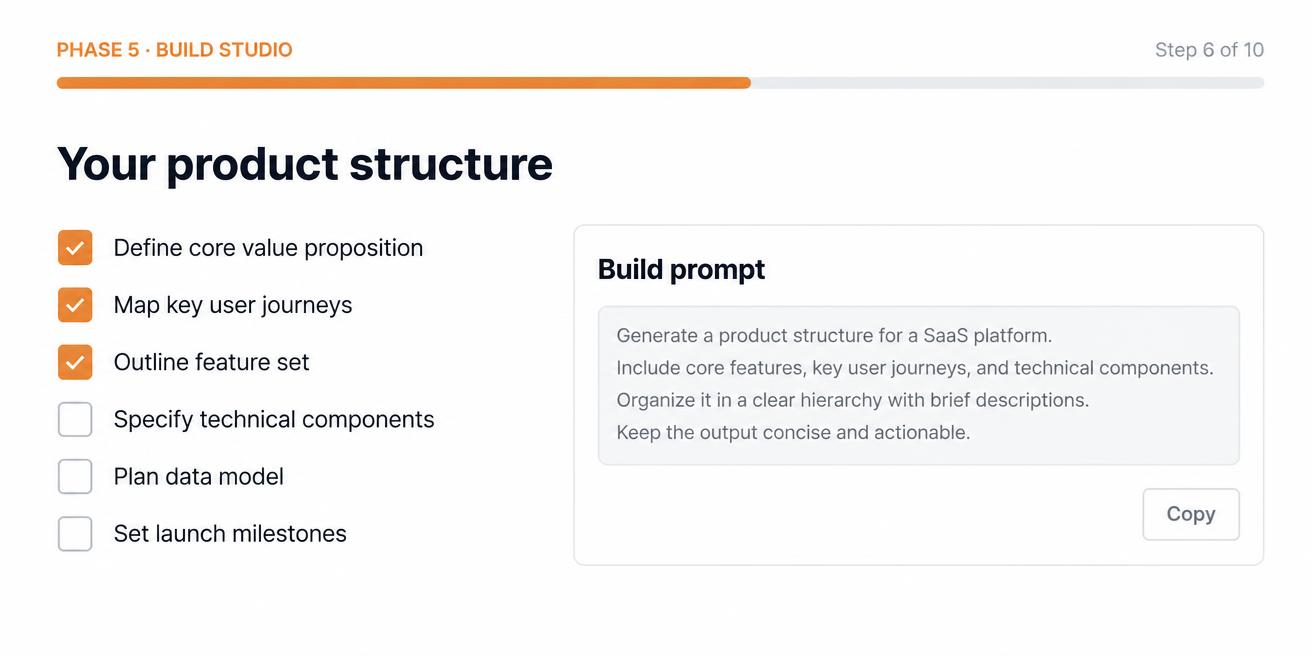
Phase five
Product Build Studio
Choose your format, get a full product structure, then generate the prompts that actually build it — including a complete master Lovable prompt.
You finish with: A product structure, a build schedule and the prompts to create it.
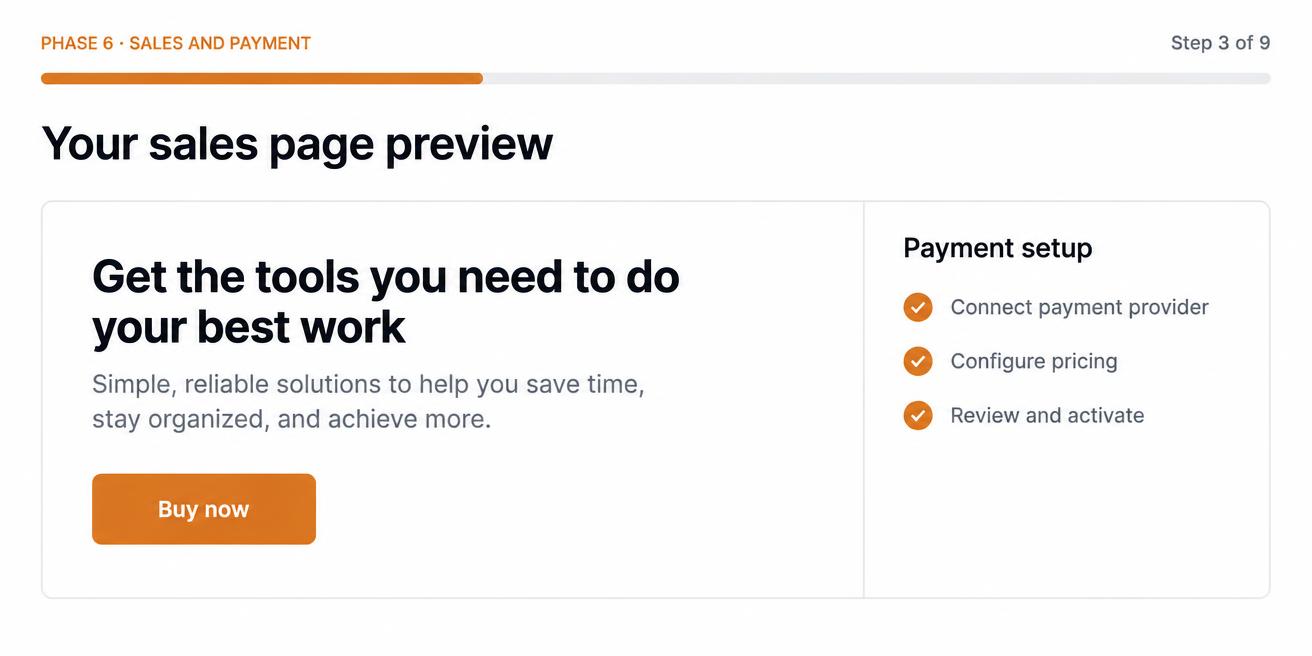
Phase six
Sales Page, Payments and Delivery
Write the page that sells it, then set up a checkout that actually takes money and delivers the product.
You finish with: Sales page copy and a tested payment and delivery route.
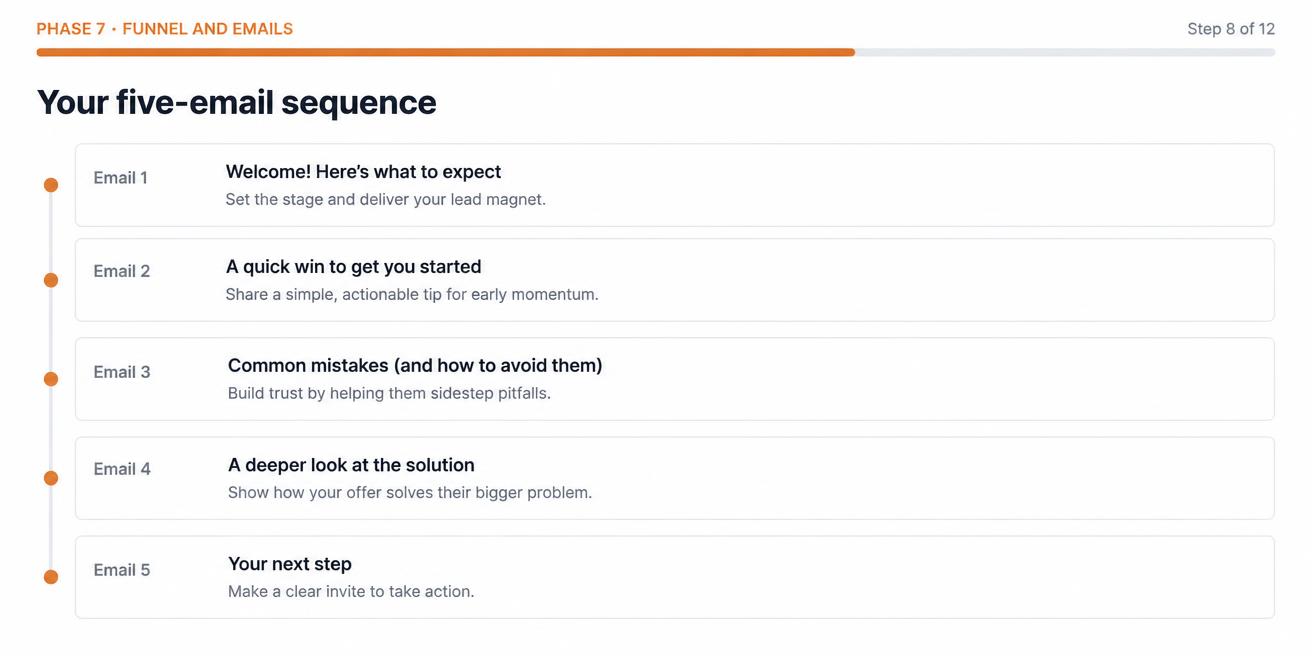
Phase seven
Funnel Builder
Build the path a stranger takes from seeing your content to buying your product — and the emails in between.
You finish with: A lead magnet, an opt-in page and a five-email sequence.
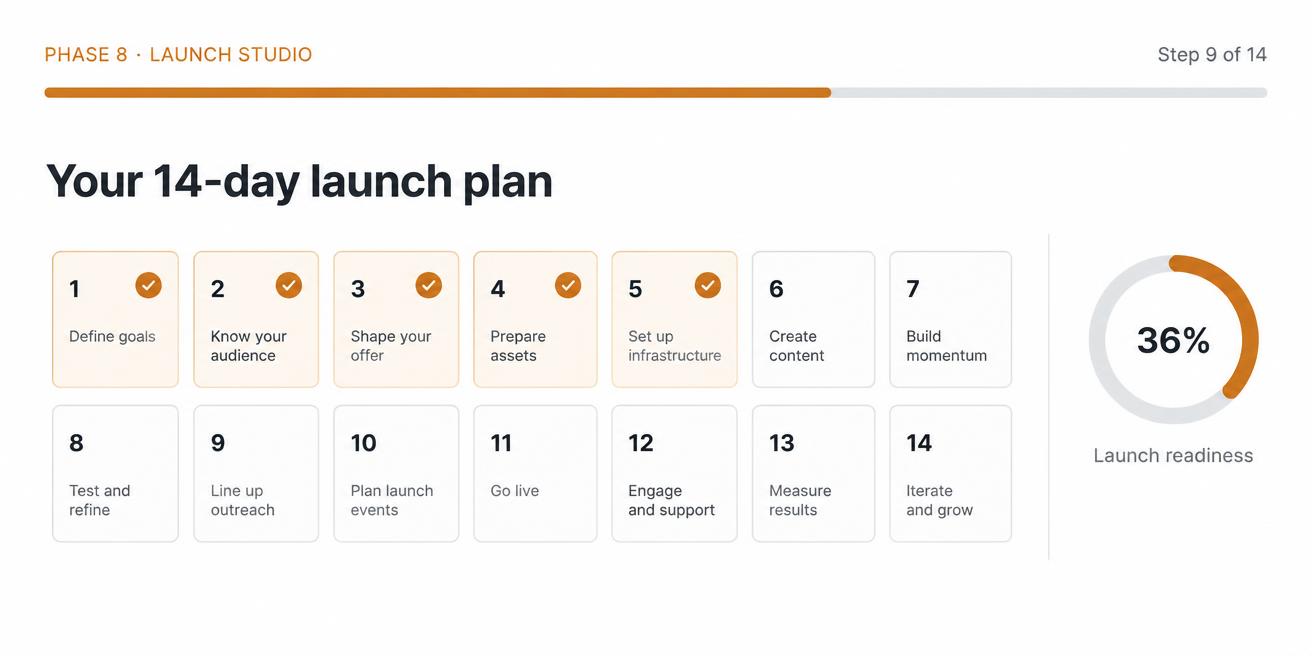
Phase eight
Launch Studio
A day-by-day plan, the content to post, and an honest readiness score before you open the doors.
You finish with: A 14-day launch plan and a readiness score you can trust.
Clean, light and built to be used on a phone.
You are never dropped into a blank page or a wall of text. There is always one clear next step, and everything you write is saved the moment you write it.
One step per screen
A step counter and a thin progress bar, so you always know where you are and how much is left.
Decisions you tap, not type
Choices are big, clear cards. Pick one and move on instead of staring at an empty box.
Explanations kept out of the way
The reasoning sits behind a ‘Why this matters’ link. Open it if you want it, ignore it if you don’t.
A finish line for every phase
Each phase ends with a short done-for-now screen that sends you straight into the next one.
It saves as you type
Stop halfway through a sentence, close the laptop, come back on your phone. It is all still there.
How I turned a shift-worker problem into a digital product people paid for
- 1
Identified a specific problem
Something I had lived with, not something I read about.
- 2
Chose a defined audience
One recognisable group of people, not 'anyone who wants more money'.
- 3
Built an interactive solution
A working tool, built with AI and Lovable, without a technical background.
- 4
Created the sales page
Plain writing that explained the problem and the result.
- 5
Connected the checkout
Payment taken properly, access granted after payment was confirmed.
- 6
Promoted it through content and advertising
Organic content first, then Meta ads once the offer worked.
- 7
Generated real paying customers
Real people, real payments — not a launch story I invented.
- 8
Improved it from customer feedback
The second version was better because customers told me what was missing.
Who Dan is
Dad of three. Twenty-three years in one business. Burnout made me rethink what I wanted from work and from life.
I started learning digital marketing about eighteen months ago and only properly understood how to monetise digital products this year. No technical background.
Since then I have built several interactive digital products using AI and Lovable, and generated genuine customers through content and Meta advertising.
I am not a guru or a millionaire. I am a digital product builder teaching a process I have actually used.
Who this is for — and who it is not.
This is for you if
- You want an additional income stream alongside work
- You are a complete beginner and want it explained plainly
- You are willing to make decisions and do the work
- You want a real business asset, not more theory
- You have a few honest hours a week
This is not for you if
- You want guaranteed sales or passive income
- You want someone else to build it for you
- You are looking for a get-rich scheme
- You are not prepared to speak to potential customers
- You already have a launched product and a working funnel
Everything above. One payment of £47.
One payment for the whole workspace. No subscription, no upsells.
Deciding what to sell
Usually weeks of circling. Done in one sitting, from your own experience.
The product itself
Structure, sections and the AI prompts that build it — not a blank page.
The sales page
Copy written from your answers, ready to paste and edit.
The money side
Checkout and delivery explained without jargon, simplest route recommended.
The audience side
Lead magnet, emails, thirty posts and reusable hooks.
The plan
Fourteen days, paced to your hours, with a finished Launch Pack at the end.
The price
£47
One payment. Lifetime access.
Checking availability…
Full workspace, all eight phases, the AI generators, the content and hook engines and your downloadable Launch Pack.
Frequently asked

The whole point
One finished digital product. One working sales system. Ready to launch.
Start Phase 1 today and you will have made your first real decision within the hour.
Checking availability…
One payment of £47. Lifetime access.
Dan Mortlock
Real knowledge. Real tools. Real opportunities.